Instructions for New Upper Secondary School Students – Joint Application 2026
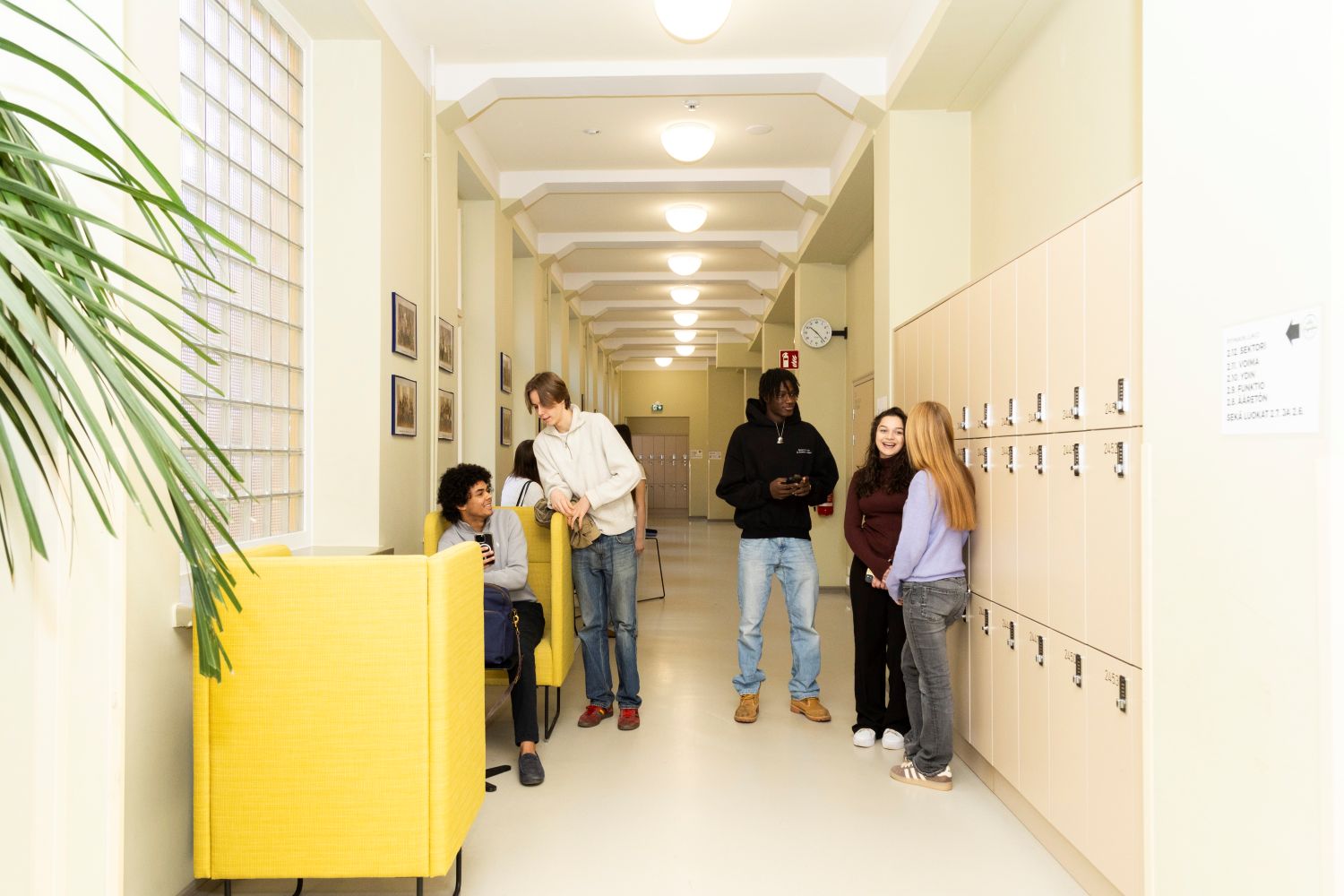
You have been selected as a student at Pyynikin lukio Upper Secondary School. Congratulations!
Remember to confirm your study place by both 1) accepting the place in Opintopolku (instructions below), and 2) enrolling in Wilma (instructions below).
1) Information About Selection and Accepting the Study Place in Opintopolku
Opintopolku sends all applicants who participated in the joint application an email informing them of their study place and providing detailed information about the selection results. The email contains a direct link to Opintopolku. Otherwise, access requires strong electronic identification (for example, online banking credentials).
Accept your study place in Opintopolku according to the instructions in the email.
Students accepted to Pyynikin lukio Upper Secondary School will also receive a confirmation email from the school regarding student selection for 2026.
2) Logging in to Wilma (Student Credentials) and Enrolling in Wilma
- You will receive your Tampere City upper secondary Wilma username from the school by email. The subject line of the message is: “Pyynikin lukio: tunnus Wilmaan”.
- Your password will be sent in a separate email: “Salasana: Tampereen 2. asteen Wilma (Tredu ja lukiot)”.
- If you do not immediately find these emails, please also check your spam folder.
- Log in to Wilma as soon as you receive your username and password.
If you have trouble logging in:
- Make sure you log in at https://edutampere.inschool.fi. Do not try to log in via primary education Wilma.
- Use a browser. The mobile app can be activated later, but these functions are not available in the app.
- Check that all special characters, uppercase and lowercase letters in your password are entered correctly.
- Students must log in using the lower grey button: “Student and staff login" (Students and staff login). Do not use the green “Log in" button.
- If needed, contact the school secretary by email or phone (see the school website for contact details).
Enrolling in Upper Secondary School in Wilma
Enrollment is done electronically in Wilma using the form “ESP: Enrollment in upper secondary school”. Once logged in to Wilma, you can find “Forms” either from the blue top bar or from the drop-down menu behind the three dots. Please continue using the browser version; the enrollment form is not available in the mobile app. The enrollment form asks for, among other things:
- Languages to be studied in upper secondary school (A languages, B2 languages, B3 languages)
- Mathematics choice (advanced or basic)
- Religious education or ethics
- Participation in Finnish as a Second Language (S2) instruction
- Guardian contact information and email addresses
- Commitment to the rules for the use of loaned digital devices and information systems and data networks
Please fill in the enrollment form carefully, preferably together with your guardian, and enroll without delay. If you are unable to complete the enrollment form, contact the guidance counselor. If you do not accept the study place or decide to cancel a place you have already accepted, please inform the school immediately by contacting the guidance counselors or the principal. All contact information can be found on the school website.
Students of General Upper Secondary Education in English
A student enrolled in the English Study Programme who is not a citizen of a Member State of the European Union or of a State belonging to the European Economic Area is required to have been granted a residence permit on grounds other than studies. Please bring your valid residence permit to the school for inspection as soon as the school year begins. Citizens of EU/EEA countries should present a passport or another official photo identification document instead of a residence permit.
The school year begins on Thursday, 6 August 2026
We will meet at the Multi-Purpose Space (Pyynikintie 2, 1st floor) on Thursday 6.8. at 9.00. You can familiarize yourself with the school in advance via our website as well as on Instagram and Facebook. On the “For Students” page you will find, among other things:
- The 2026–2027 Study Guide (published by Midsummer). A printed version will be given to all students on the first school day.
- The working days and holidays for the 2026–2027 school year.
- General information about upper secondary studies and descriptions of study modules in different subjects.
We will begin the school year on Thursday, 6 August 2026 at Pyynikintie 2. On the first day, students will get to know their guidance groups and meet other new students, tutors, and their homeroom teacher.
The school year is divided into five periods. The timetables for the first two periods have already been prepared for you, so you will receive ready-made schedules for periods 1 and 2. These will be visible in Wilma around Midsummer. Vice Principal Jaakko Saulamaa will send you a Wilma message about this during the summer. Studies for periods 3–5 will be selected by students themselves from the course offerings during period 2. Guidance counselors will assist you.
The joint lesson timetable for Tampere City upper secondary schools is available on the school website. Lessons are 75 minutes long. School days begin no earlier than 8:15 and end no later than 16:00. On Mondays, the first lesson begins at 9:30 for everyone.
Student laptop and learning materials
All students subject to compulsory education will receive a laptop and the required textbooks as digital learning materials. The laptop is loaned to the student for the entire duration of upper secondary school.
Laptops are distributed and needed already on the first school day. Please bring a sturdy bag suitable for carrying a laptop on your first day.
A laptop can only be issued if a guardian has completed the laptop loan permission form in Wilma. See below for details. When filling in the enrollment form, students are required to commit to the following rules:
Instructions for guardians of new upper secondary students
Each guardian of a minor upper secondary student must follow their child’s matters via Wilma.
- Guardian: Create your own Wilma credentials (instructions for creating guardian credentials).
- Guardian: In your Wilma view, fill in the form “Upper Secondary School: Laptop Loan Permission”.
Without this form, a laptop cannot be issued on the first school day.
Our school has a dedicated website page for guardians: For Families and Guardians, which includes current information about family evenings and the activities of the Pyynikin lukio Upper Secondary School Parents’ Association.
School meals and special diets
Students register for daily school lunch using the Tuudo app. Tuudo is an electronic, official student card available as a free mobile app. It can also be used to verify eligibility for student discounts from Matkahuolto and VR.
Upper secondary students should download the app from the Play Store or App Store at the start of the school year.
School lunches are provided by Pirkanmaan Voimia. If you follow a special diet, please review Tampere City’s instructions in advance and return the special diet form directly to the kitchen—either when dining or by email to [email protected].
School transport subsidy
All upper secondary students can apply for the school transport subsidy themselves using the online application in OmaKela. Apply before the school year begins so that the subsidy is valid from the first school day.
More information: School transport subsidy (Kela.fi)
Welcome to Pyynikin lukio Upper Secondary School!


